Call the API with code examples
The Examples page is a library of ready-made requests covering each thing the API can do — from a basic chat call to audio transcription. Choose your language and a model, and the snippet rewrites itself to match so you can paste it straight into your app.
Open Examples
After logging in to the WiLine Edge Cloud:
- In the left sidebar, expand Inference.
- Click Examples.
Every example has the same two controls above its code:
- Language — switch between Python, Node.js, and cURL.
- Model — a dropdown of the available models. It's filtered to the models valid for that example — e.g. Audio transcription only lists audio (Whisper) models.
The snippet updates to match your choices, and Copy grabs it. All examples are
OpenAI-compatible, so existing SDKs work unchanged — only the base URL and key differ.
Replace wec-... with your own key (see API Keys).
Chat completions
The everyday call and the foundation for most features: you send the conversation so far as a list of messages and get the model's reply back in one response. Start here if you're new to the API.
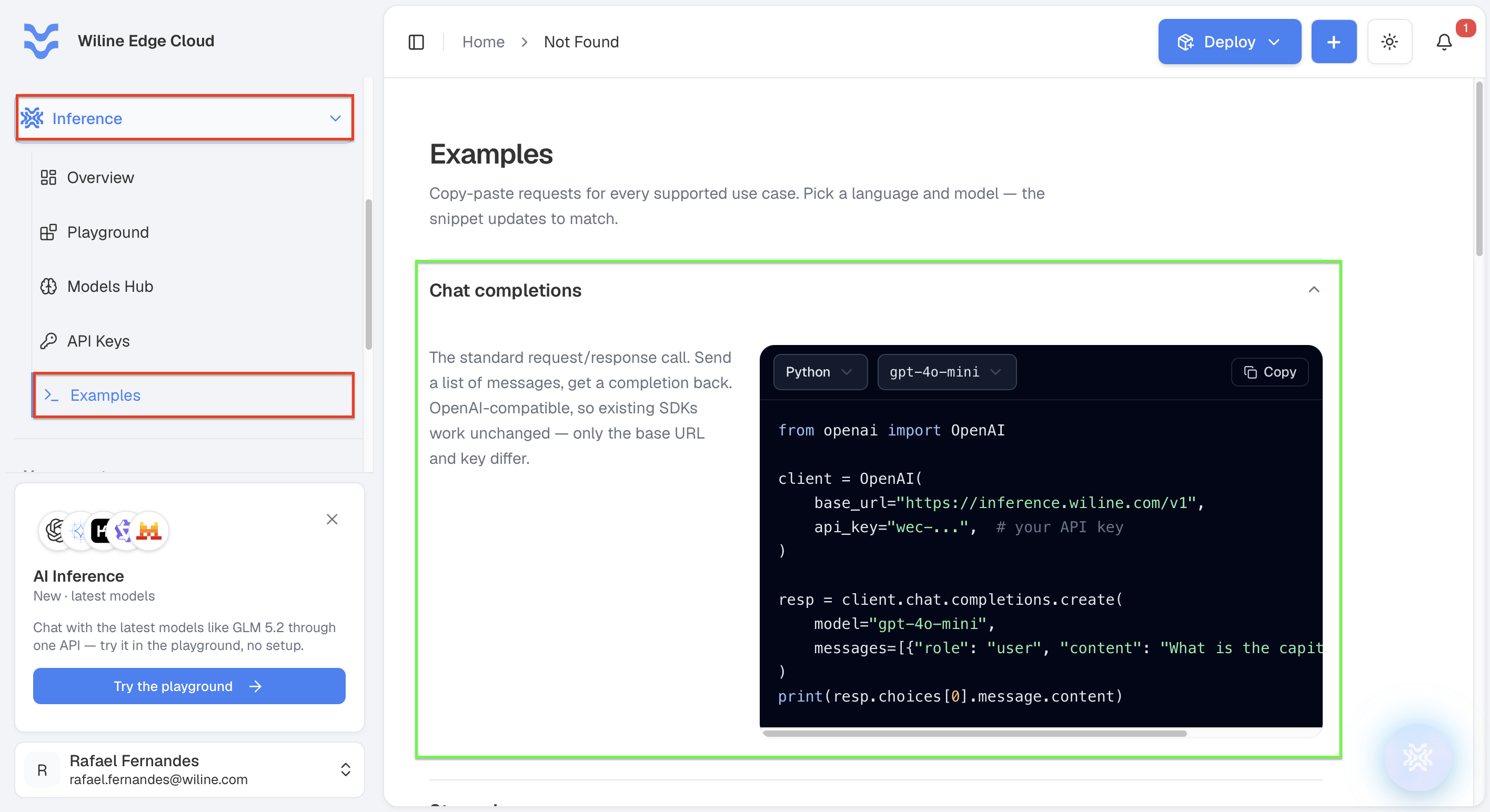
Figure 1: The Chat completions example — pick a language and model, then copy the snippet.
from openai import OpenAI

client = OpenAI(
    base_url="https://inference.wiline.com/v1",
    api_key="wec-...",  # your API key
)

resp = client.chat.completions.create(
    model="deepseek-ai/DeepSeek-V3.1",
    messages=[{"role": "user", "content": "What is the capital of France?"}],
)
print(resp.choices[0].message.content)
Streaming
Set stream=True and the reply arrives token-by-token as the model writes it, rather than
all at once at the end. The total time is about the same, but the user sees words appear
immediately — so reach for it in anything interactive, like a chat UI or assistant.
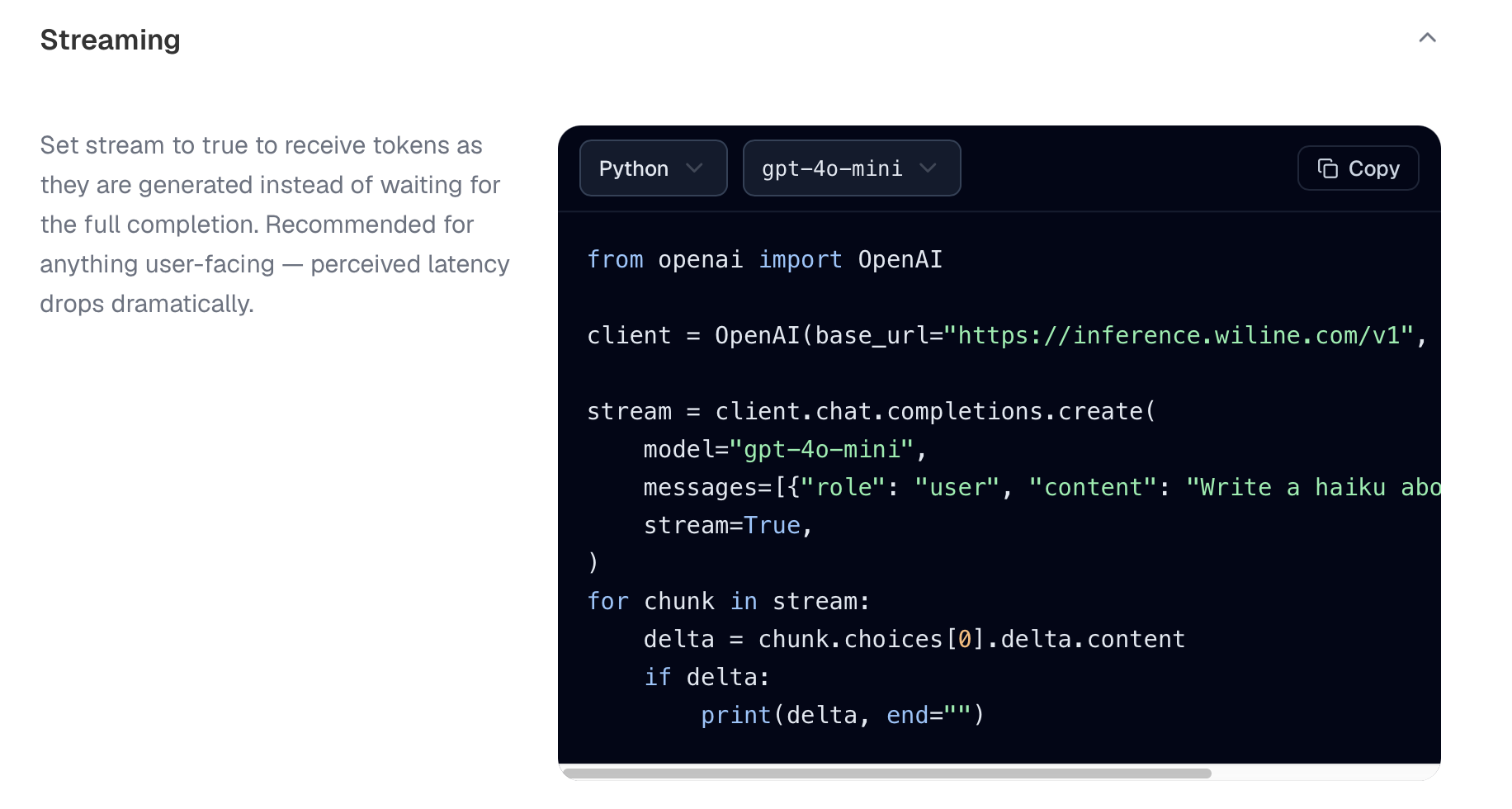
Figure 2: The Streaming example — tokens arrive incrementally as the model generates them.
from openai import OpenAI

client = OpenAI(base_url="https://inference.wiline.com/v1", api_key="wec-...")

stream = client.chat.completions.create(
    model="deepseek-ai/DeepSeek-V3.1",
    messages=[{"role": "user", "content": "Write a haiku about fiber optics"}],
    stream=True,
)
for chunk in stream:
    delta = chunk.choices[0].delta.content
    if delta:
        print(delta, end="")
Tool calling
This is how you connect a model to live data and real actions. You hand it a set of
functions it's allowed to call; when it decides one is needed, it replies with a structured
tool_call (the function name plus arguments) instead of plain text. Your code runs that
function and feeds the result back, and the model uses it to finish the answer.
Only models with the Tools capability support this. Check a model's capabilities in the Models Hub.
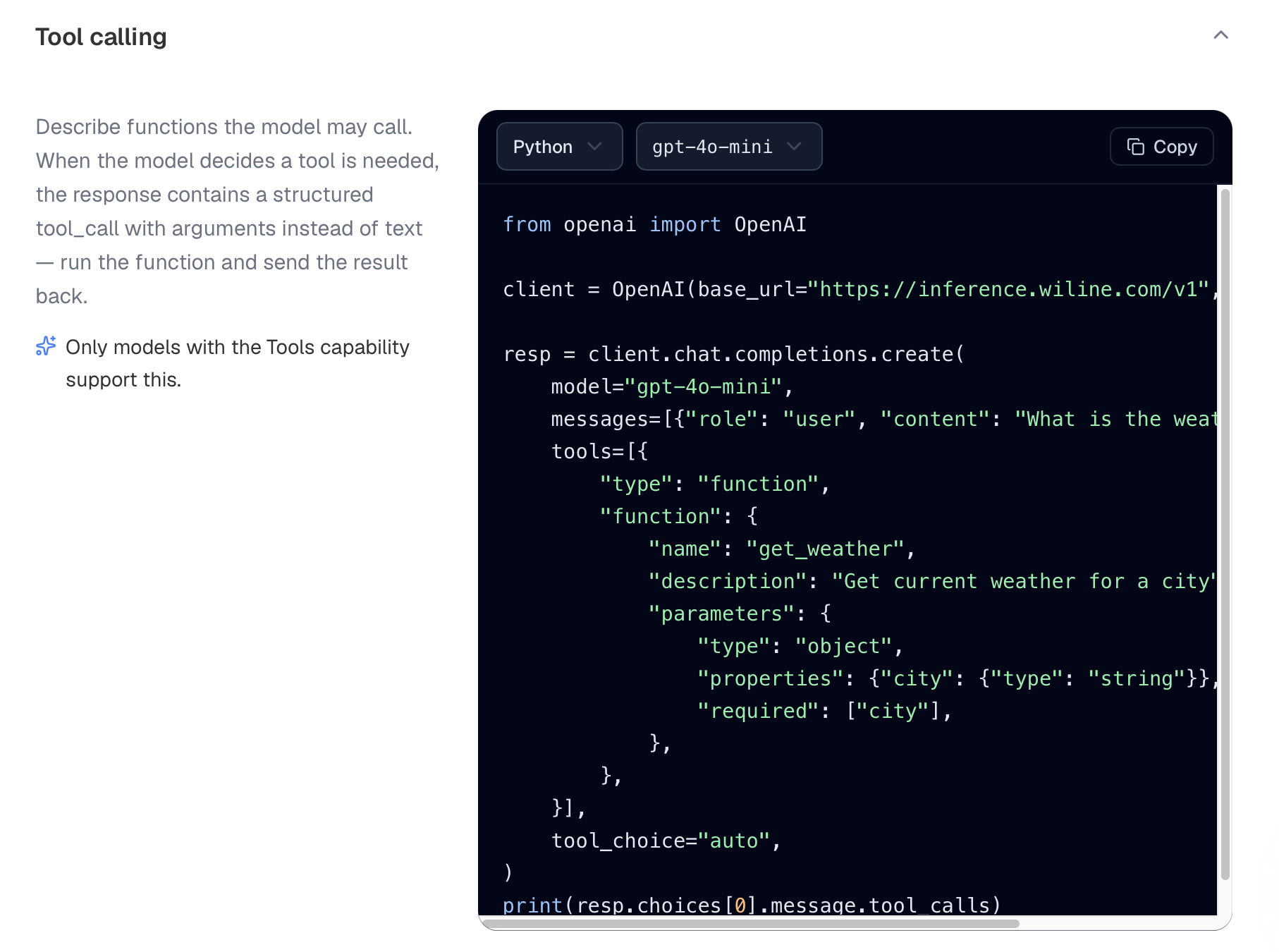
Figure 3: The Tool calling example — the model returns a structured tool call instead of text.
from openai import OpenAI

client = OpenAI(base_url="https://inference.wiline.com/v1", api_key="wec-...")

resp = client.chat.completions.create(
    model="deepseek-ai/DeepSeek-V3.1",
    messages=[{"role": "user", "content": "What is the weather in Austin?"}],
    tools=[{
        "type": "function",
        "function": {
            "name": "get_weather",
            "description": "Get current weather for a city",
            "parameters": {
                "type": "object",
                "properties": {"city": {"type": "string"}},
                "required": ["city"],
            },
        },
    }],
    tool_choice="auto",
)
print(resp.choices[0].message.tool_calls)
Audio transcription
For speech-to-text models like Whisper you don't use chat at all — you upload an audio file
to the dedicated /audio/transcriptions endpoint and get text back. Optional settings
can add speaker diarization and word-level timestamps.
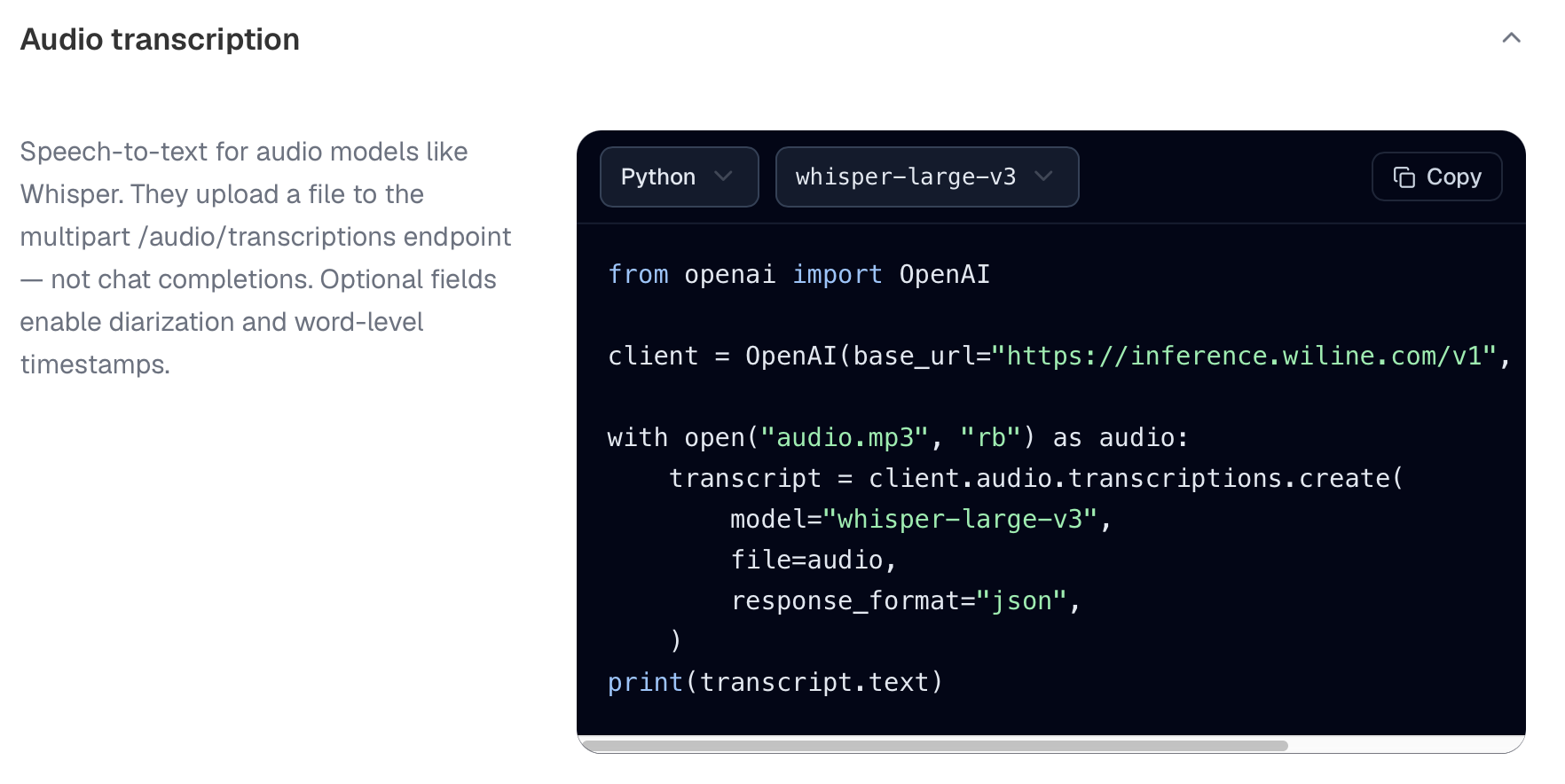
Figure 4: The Audio transcription example — the model dropdown lists only audio (Whisper) models.
from openai import OpenAI

client = OpenAI(base_url="https://inference.wiline.com/v1", api_key="wec-...")

with open("audio.mp3", "rb") as audio:
    transcript = client.audio.transcriptions.create(
        model="whisper-large-v3",
        file=audio,
        response_format="json",
    )
print(transcript.text)
List models
Fetch the catalog in code — every model id your key can reach. Handy for populating a model picker in your own UI, or for checking your config on startup so a wrong model name fails fast instead of mid-request. (This example has no model dropdown — it returns them all.)
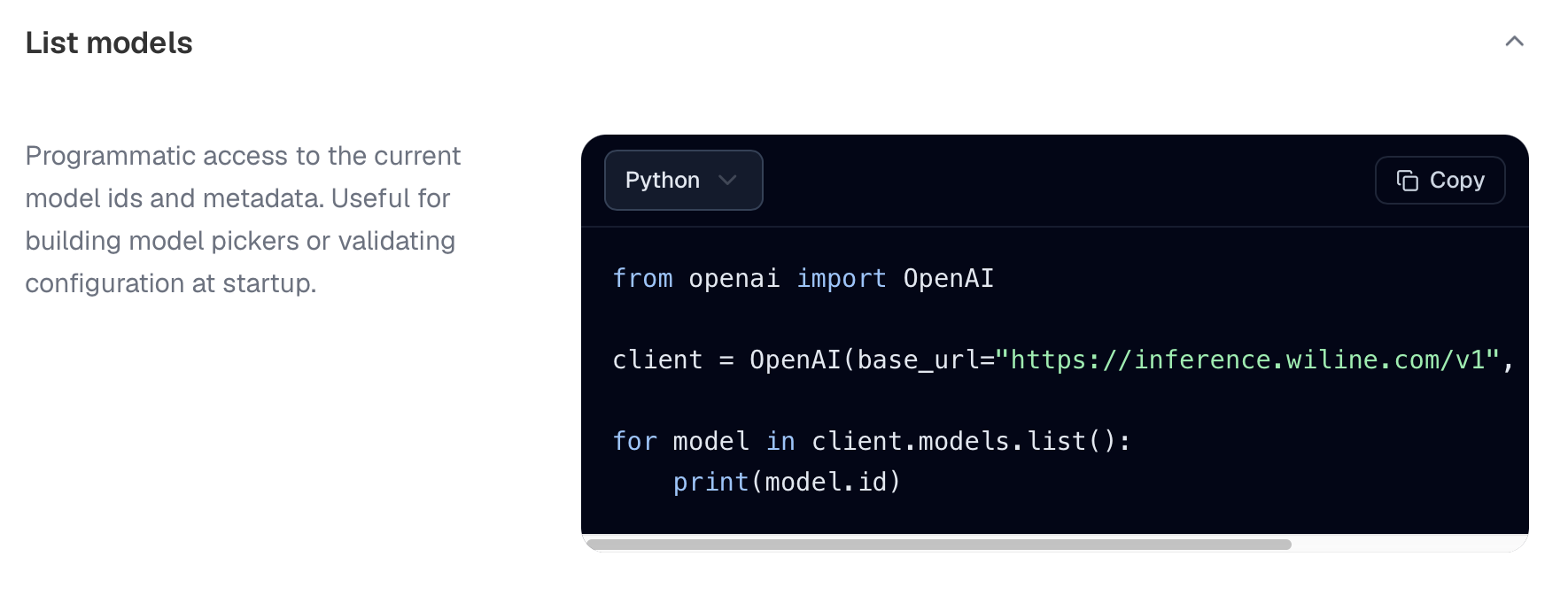
Figure 5: The List models example — fetch the available model ids programmatically.
from openai import OpenAI

client = OpenAI(base_url="https://inference.wiline.com/v1", api_key="wec-...")

for model in client.models.list():
    print(model.id)
Next steps
- Create an API key — replace
wec-...with a real key. - Models Hub — find the right
modelid and check capabilities. - Experiment in the Playground — try a prompt before you wire it in.