Coupons & Credits
WiLine Edge Cloud (WEC) supports coupon codes that add account credit to your balance. Credit is then applied to your invoices automatically — you don't redeem it per charge.
Where to find it
After logging in to the WiLine Edge Cloud:
- Go to Billing → Payment Information.
- Find the Redeem a Coupon panel, which shows your current account credit balance.
Redeem a coupon
- In the Redeem a Coupon panel, enter your code in the coupon code field.
- Click Redeem.
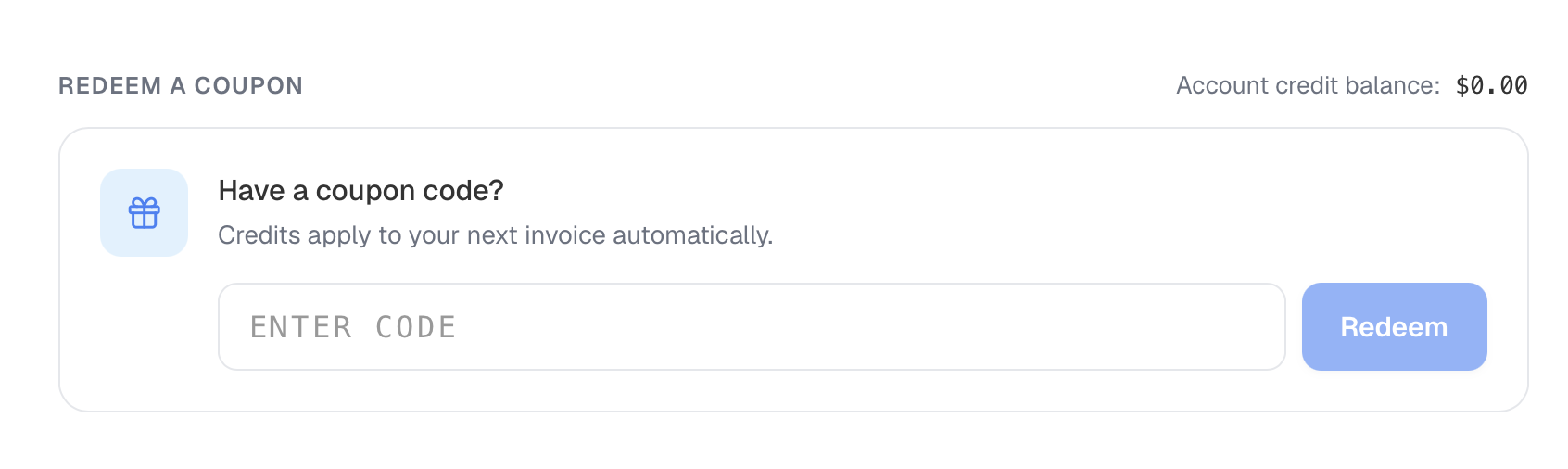
Figure 1: Redeem a coupon panel showing the account credit balance and coupon code field.
The coupon's value is added to your account credit balance.
How credits are applied
- Credits apply to your next invoice automatically. You do not manually attach a credit to a charge.
- Your account credit balance reflects the credit you have available. As invoices are issued, available credit is drawn down against them.
- If your balance is
$0.00, no credit is currently available.
Tracking credits
Redeemed coupons and applied credits appear as Credit Transactions in your Payment History, alongside invoices and receipts. Use that view to see when a credit was added and how it was applied.
Pricing
Credits offset charges based on your usage; for current published rates by offering, see the WiLine Edge Cloud pricing page.